Create Your ak44 bkash Account Before the Next Match Starts
Sign up with your Bangladeshi mobile number, choose a password, and your account is ready for a bKash deposit. The form works on any phone and takes about a minute.
- One screen, five fields, no branch visit
- bKash, Nagad, Rocket and bank transfer accepted
- 18+ only. Play for fun and set your own limits.
What Happens After You Tap Register
The form is only the first step. Here is the order things happen in, so nothing catches you out on your first deposit or your first payout.
The SMS confirmation
We send a one-time code to the number you typed. Enter it and the account is live. Nobody from support will ever ask for that code or your password in chat, so keep both to yourself.
Your first deposit
Open the cashier, pick bKash, Nagad, Rocket or bank transfer, and send at least ৳150. Balances normally land within 3 minutes, and the 210% new member bonus is added on that first top up.
Documents, when you need them
You can play before sending any papers. A National ID card, passport or driving licence is only required before your first withdrawal, and that check takes up to 24 hours.
Getting money back out
Withdrawals start at ৳1,500. The first one takes about an hour because the document check runs alongside it. Later payouts usually clear in 26 minutes, up to ৳90,000 a day.
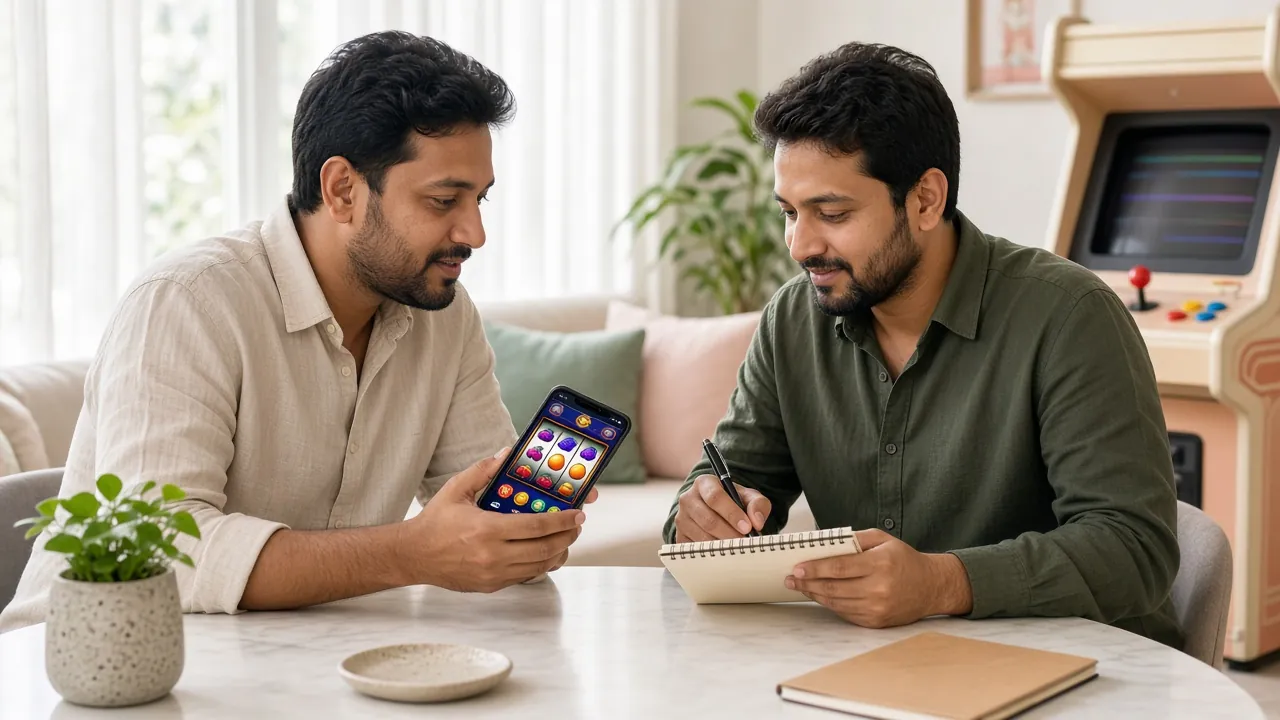
The New Member Bonus at ak44 bkash, Broken Down
The headline offer is a 210% boost on your first deposit, capped at ৳21,500. It is applied automatically, so you do not need a promo code. Smaller rewards keep arriving after that.
The Fields on the Form, Explained
Five fields, and only one of them needs real thought. Here is what each line wants and why we ask for it.
| Field | What to enter | Notes |
|---|---|---|
| Mobile number | An active Bangladeshi number, 11 digits starting with 01 | This becomes your login name and where the code goes. Use the SIM linked to your wallet. |
| Password | A mix of letters, numbers and one symbol | Do not reuse your bKash PIN. Skip birth dates and anything you use on social media. |
| Confirm password | The same password, typed a second time | Type it rather than pasting, so a hidden space does not slip in at the end. |
| Referral code | A friend's code, if someone shared one | Optional. Leave it blank and nothing about your account or bonus changes. |
| Terms box | A single tick | Confirms you are 18 or older and accept the account rules. No papers are uploaded here. |
We do not ask for your National ID at this stage. Identity papers only come into play before your first withdrawal, which keeps sign up short.
Four Steps From a Blank Screen to Your First Bet
Work through them in order. Most people finish before their tea goes cold.
-
1
Open the form on your phone
The sign up panel sits at the top of this page, and the Register button in the header reaches it from anywhere. Mobile data is fine. The form is small, so it loads quickly even on a slow connection.
-
2
Type your mobile number
Use the number you carry every day and the one tied to your bKash or Nagad wallet. That number becomes your login name and receives the code. One wrong digit sends the code to a stranger.
-
3
Set and repeat a password
Pick something you have never used on a wallet or a social account. Letters, numbers and one symbol is plenty. Keep it written down somewhere private for the first week, and never save it on a shared phone.
-
4
Add a code, accept, register
Paste a friend's referral code if you have one, tick the box for the account rules, then tap Register Now. The confirmation screen shows at once, and the bonus unlocks the moment your first deposit lands.
When the Form Says No: Five Fixes
Almost every failed sign up comes down to one of five things. Match the message on your screen to a row below before you open live chat.
| What you see | Likely cause | What to do |
|---|---|---|
| Number already registered | You signed up before, or a family member used the same SIM card. | Try the login page with your old password first. If that fails, use the reset link and check the digits again. One mobile number holds one account only. |
| Code never arrives | SMS blocked, inbox full, or the number was mistyped. | Wait a minute, request a fresh code, restart the phone and clear old messages. Check the number digit by digit. Still nothing? Live chat can resend it and is open 24/7. |
| Password rejected | Too simple, or a trailing space left over from a paste. | Retype by hand instead of pasting. Add a number and a symbol, then repeat the exact same string in both boxes. Caps lock is the usual culprit on Android keyboards. |
| Button does nothing | The terms box is unticked, or the page timed out while you were typing. | Tick the box, reload the page and fill the fields again in one go. A stale page often blocks the button even when every field looks correct. |
| Message asking for your code | Someone is pretending to be support. | We never ask for your password or SMS code in chat, on a call or by message. Close the conversation, type the address yourself, and report the account name to live chat. |
Only ever register on this domain. Bookmark the page instead of tapping links in an SMS, and never send money to a personal bKash number for a deposit. Cash goes through the cashier inside your own account.
Register Questions We Hear Most
Why does registration fail with no message?
I did not get the SMS code. What should I do?
I forgot my password. Can I still get in?
Are documents needed at sign up?
Can I hold more than one account?
Is the bonus automatic, or do I need a code?
Next: Log In and Make Your First Deposit
An ak44 bkash account opens in about a minute and takes a few more to fund. Download the app for one-tap access, or walk into the casino lobby once your balance shows.
Register Now Log In